

What Auditors Actually See When They Review Your Driver Files
DOT auditors use a specific checklist when reviewing driver qualification files. Learn exactly what they look for and how to ensure your files pass inspection.
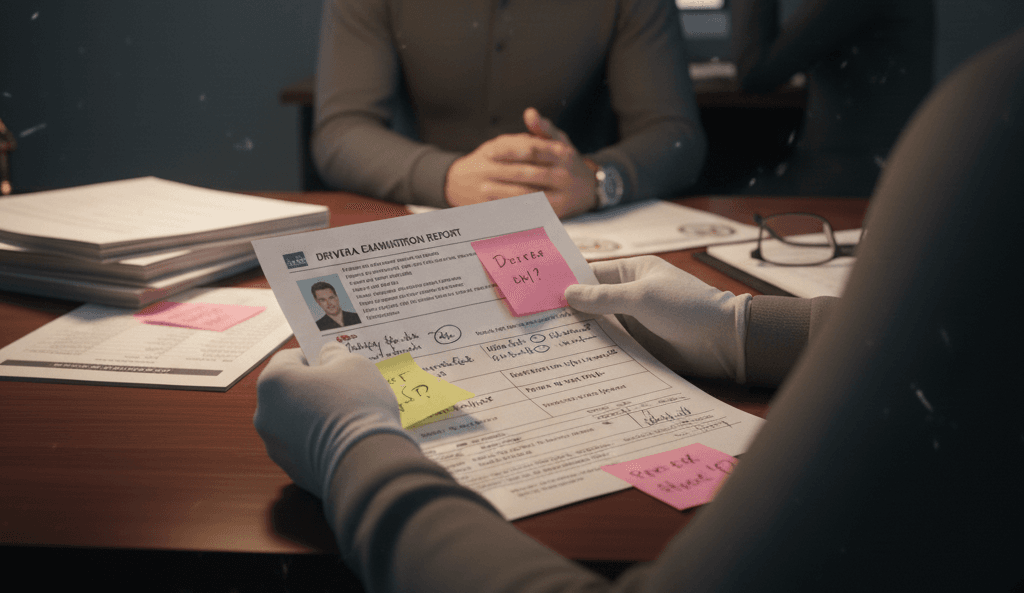
Let’s walk through what happens when an auditor pulls up your driver qualification file.
They have a checklist. Your file either matches it or it doesn’t.
The Complete Checklist (What Auditors Look For)
Driver Information:
- Valid CDL with correct endorsements
- CDL expiration date (not expired)
- Medical certificate on file (not expired)
- Copy of actual license
History & Background:
- Three-year driving history/MVR (current)
- Pre-employment screening (PSP) results
- Clearinghouse query (within last year)
- Drug & alcohol testing documentation
Training & Qualifications:
- Company vehicle orientation
- Safety training (current)
- Hazmat training (if applicable)
- Equipment-specific training
Compliance Documentation:
- Vehicle inspection reports
- Accident reports
- Disciplinary records
- Termination notices (if applicable)
The Reality of Most Files
Auditors walk through your files and find:
- Certificate that expired 2 months ago (missing)
- MVR from 14 months ago (should be 12 months)
- Drug test documentation scattered or incomplete
- Training records from years ago (no recent refresh)
Each of these is a violation.
Why Digital Organization Matters
If you can’t quickly prove compliance, auditors flag violations immediately.
Companies with organized digital systems show clean files instantly. Auditors spend minutes on each file, find nothing wrong, and move on.
Companies with disorganized systems show gaps immediately. Auditors flag violations.
How to Be Audit-Ready
Everything should be: ✓ Digital and accessible ✓ Current (no expired documents) ✓ Complete (nothing missing) ✓ Organized (easy to verify)
That’s not complicated. But it’s hard to do manually with multiple drivers.
Automation makes it easy.
Know exactly what auditors will find in your files.
Get Your File Completeness Audit →
Start Your 30-Day Free Trial →
ComplyDQ: Digital driver files that match every FMCSA requirement, every single time.
Sources:
- FMCSA Driver Qualification File Requirements
- J. J. Keller: Driver Qualification File Essentials